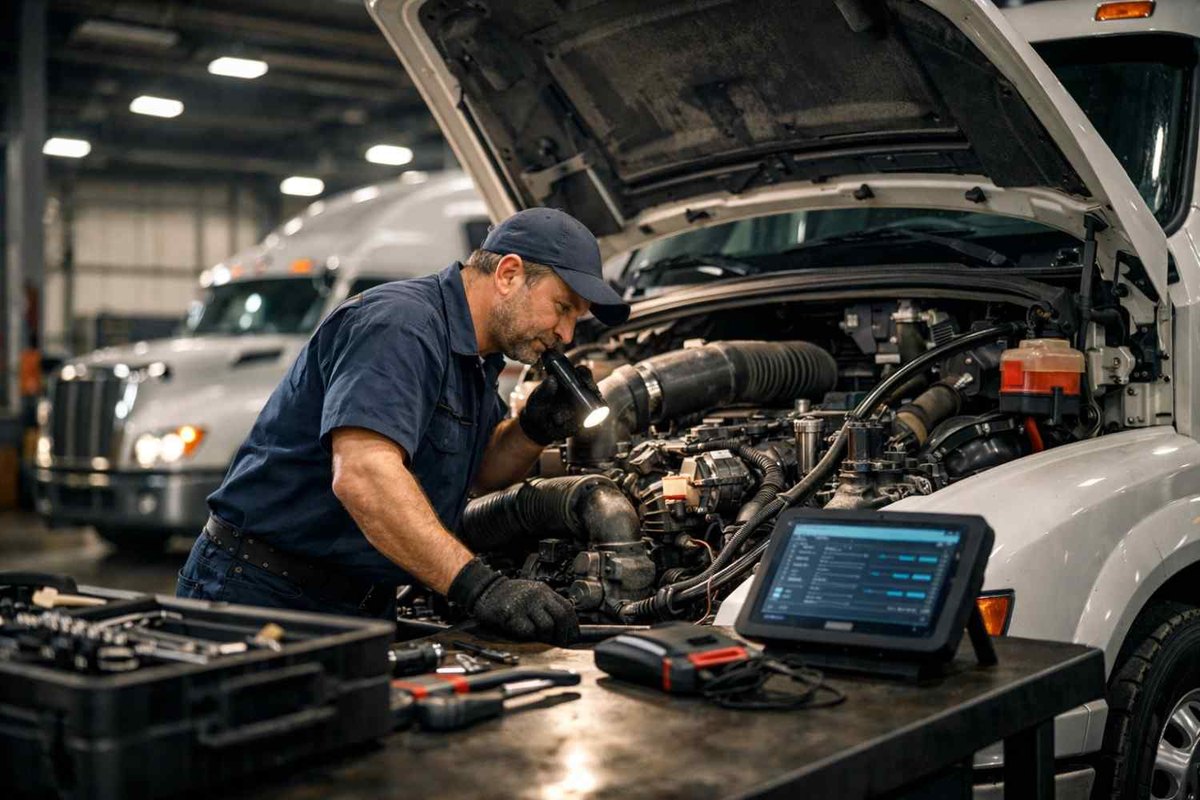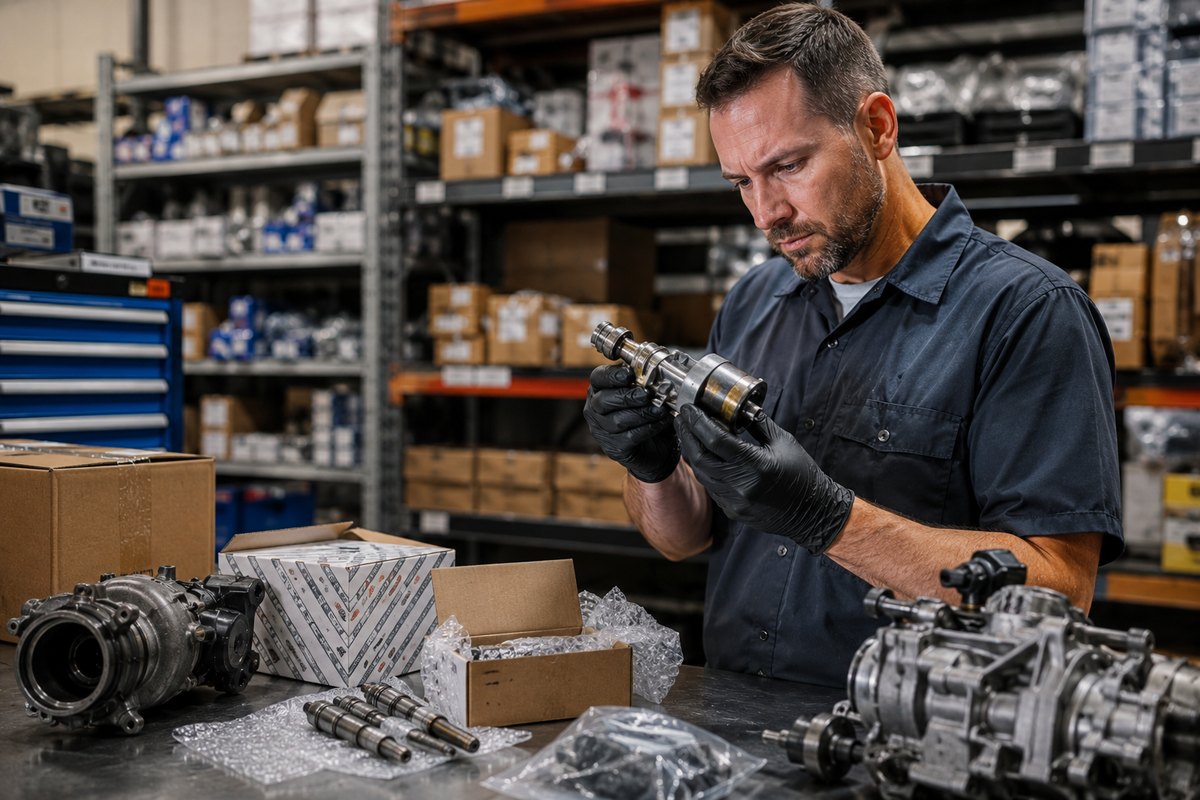


Ever watched two technicians diagnose the same issue and end up with completely different answers? One replaces a part that wasn’t broken. The other spends hours chasing a symptom that never repeats. Meanwhile, the customer is waiting and your schedule is slipping.
That chaos doesn’t come from bad technicians, it comes from not having a clear system. A structured diagnostic process brings order to the confusion. It gives every technician a roadmap to follow, keeps communication consistent, and ensures customers leave with confidence instead of frustration.
Here’s how to build that process step by step using practical methods and simple technology that actually fit your shop’s workflow.
In This Article:
Why a Defined Diagnostic Process Matters
Think of a diagnostic process as your team’s playbook. It’s what keeps every technician aligned, no matter who takes the job. With a consistent structure in place, you get:
- Reliable findings from the first inspection to the final verification
- Less time wasted on repeated tests or unclear handoffs
- Faster, clearer estimates that customers can trust
- Stronger records that make repeat visits easier to handle
Shops that treat diagnostics like a defined workflow run smoother and deliver better results. When every step is documented and tracked digitally, it becomes easier to spot inefficiencies, improve training, and turn everyday jobs into repeatable wins.
Step 1: Standardize Vehicle Intake
Every accurate diagnosis starts with a thorough intake. Start with the same checklist for every vehicle— be it a Toyota, Honda, or a Chevy—so no detail slips through. Capture essentials like:
- VIN, mileage, and customer contact preferences
- The primary complaint in the customer’s own words
- Conditions when the issue occurs (speed, weather, sound, etc.)
- Past repairs, add-ons, or dashboard warnings
- Photos or short videos from the customer showing the problem
Convert this intake into a digital form so the information stays complete and searchable. Structured fields for symptom type, frequency, and severity help technicians pinpoint the issue faster and give advisors clean data for estimates.
Tip: If a vehicle arrives without the customer, have a service advisor confirm the concern by phone using the same form. This simple step saves hours of second-guessing once the car is in the bay.
Step 2: Perform an Initial Inspection and Short Road Test
Before diving into complex diagnostics, start with a quick visual and operational check. Look for:
- Fluid levels, leaks, loose connections, or visible damage
- Battery health and basic electrical integrity
- A brief road test to reproduce noises, vibrations, or performance issues
Assign this step to the same technician role each time to keep results consistent. Log every observation on a tablet in real time so nothing gets lost in memory. These quick notes give advisors accurate details to communicate with customers and prevent misunderstandings later.
Step 3: Move from Symptom to Root Cause with a Systematic Flow
Accurate diagnostics rely on logic, not luck. Train your technicians to move through a clear, repeatable sequence.
Confirm the Concern
Verify the symptom exactly as described. If it doesn’t appear, record what was tested and under what conditions.
Scan and Baseline
Run OBD II or OEM scans, capture codes, and note freeze-frame and monitor data. Store everything in your digital record.
Targeted Tests
Follow a structured path by system:
- Electrical: voltage drop, continuity, and grounding checks
- Mechanical: pressure tests, leaks, and wear patterns
- Sensors and actuators: live data and control responses
Isolate and Verify the Root Cause
Confirm each suspected issue with a second test before replacing any parts. This prevents unnecessary expenses and protects profit margins.
This is why many fast-paced shops rely on using auto repair software to digitally inspect vehicles with built-in checklists and share results directly with customers. It keeps car owners updated in real time, helps speed up the estimate approval process, and ensures every job stays on track from diagnosis to completion.
Step 4: Create Transparent Estimates and Get Fast Approvals
Once the root cause is confirmed, build a clear, itemized estimate that covers:
- Parts, labor hours, shop supplies, and taxes
- What’s essential for safety or function
- What’s recommended for long-term reliability
Send estimates by text or email with supporting visuals. Seeing photos and plain-language notes helps customers understand the work and approve faster. Digital approvals save time and build trust.
Pro tip: Offer good, better, best options only when each is technically valid. Never let optional add-ons hide urgent repairs.
Step 5: Execute Repairs and Verify Quality
Repairs should follow the same structure as diagnostics. Use a technician checklist that mirrors the approved estimate. Document torque specs, fluids, and any programming or relearns. Capture before-and-after photos to confirm quality.
Finish with a road test that matches the original complaint, then mark each task complete in your system. This keeps advisors updated without interrupting the tech and helps the workflow stay smooth from the bay to billing.
Step 6: Close the Loop with a Final Inspection and Customer Handoff
Before handing the keys back, finish strong with a short but detailed final inspection.
- Confirm the original symptom is fully resolved
- Run one last scan to ensure no related codes remain
- Clean the workspace, remove protective covers, and reset any service reminders
Provide the customer with a clear written summary outlining what was diagnosed, what was repaired, and what to monitor next. When customers leave understanding exactly what was done, they return with trust and long-term loyalty.
Step 7: Review Results and Improve the Playbook
Once the ticket is closed, take a few minutes to reflect and document.
- Tag each job by system, make, model, and symptom
- Track diagnostic time compared to repair time
- Identify any steps that caused confusion or extra effort
- Add new findings to your checklist or internal knowledge base
Over time, patterns emerge: recurring faults, vehicle breakdowns, or time-consuming issues. Shop management software helps you pull reports by vehicle, system, or technician, turning real-world experience into training insights and faster, more accurate diagnostics in the future.
Templates, Tools, and Training Tips
Equip your team with resources that make diagnostics faster and more consistent.
- Diagnostic checklists for engine, drivability, HVAC, electrical, braking, and suspension systems
- Photo and video guidelines showing proper angles, measurements, and labeling
- Estimate scripts that explain cause, effect, and repair benefits in plain terms
- Timeboxing rules for inspections, scans, and targeted testing
- Knowledge base entries with common TSBs and verified reference values
Keep every template short, relevant, and updated. When a real job exposes a missing step, fix it immediately. That’s how your process stays practical rather than turning into paperwork.
Putting It All Together
Every great shop runs on process, not luck. When your team follows a structured diagnostic flow, you remove guesswork and keep every job moving. Start with solid intake habits, run consistent tests, and close the loop with clear communication. The payoff shows up fast: fewer comebacks, smoother days, and happier customers.
Use digital tools to keep it all connected. They track progress, store proof, and highlight where your shop can improve next.